• Smart Curtain System
• Smart Switch
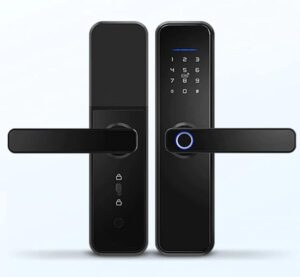
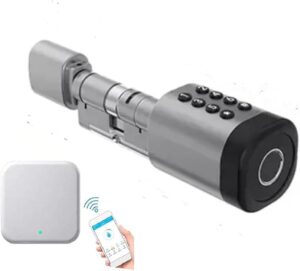
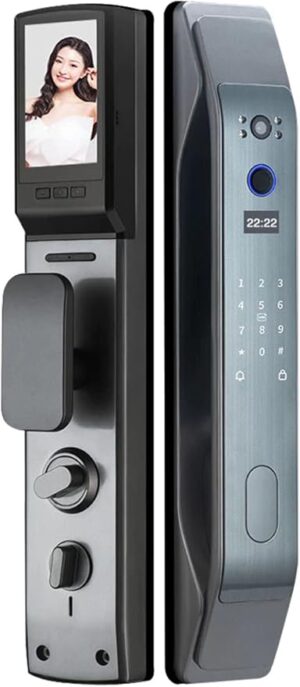
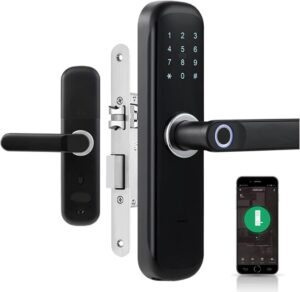
• Smart Door Lock
• Smart Wall Socket
• Smart Screen Centralized Control Panel
• Smart Sensor
• CCTV / Networking
• Smart Doorbell / Intercom
• Smart AC Thermostat
Need help? Call us: (+971) 50-9402300
Previous
Previous Product Image

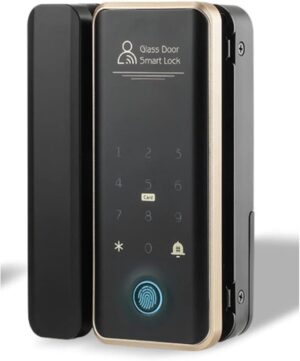
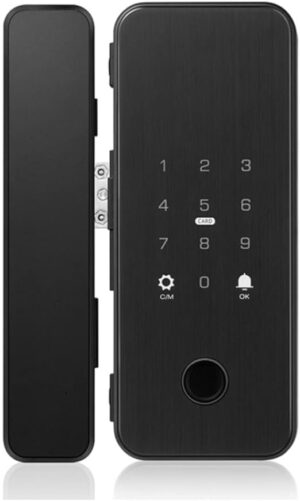
Eazyliv Smart Solutions Tuya WiFi Life APP Password Door Lock Automatic lock Lock Biological Fingerprint Door IC Card Key Lock Home Security Door Lock

د.إ330,00
Next

Eazyliv Smart Solutions Door Lock Tuya Bluetooth Door Lock Handle Keyless Electronic Fingerprint Door Lock Works with Life App for for Family Residence, Apartment,Office,Villa

د.إ299,00
Next Product Image

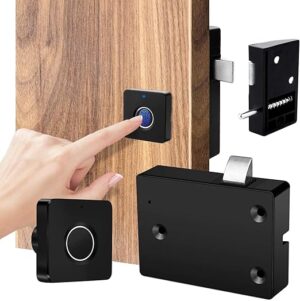
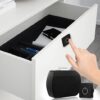
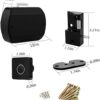
Eazyliv Smart Solutions Fingerprint Cabinet Locks, Biometric Hidden File Cabinet Lock, USB Rechargeable Keyless Furniture Drawer Lock, Anti Theft Safe Security Door Lock for Cabinets for Home & Office

د.إ100,00

Brand Eazyliv Smart Solutions
Special features Keyless, Anti Theft
Lock type Biometric
Item dimensions L x W x H 10 x 10 x 10 centimeters
Material Acrylonitrile Butadiene Styrene

Add to Wishlist
Add to Wishlist

Description

About this item

  • 🔒【Eazyliv Brand】Eazyliv Brand offers you Best Quality & service along with various design.We deal with all Automation products in UAE.For more smart products or other Model/designs, you can search “Eazyliv” in Amazon website.


Manufacturer ‎Eazyliv
Item Weight ‎450 g
Product Dimensions ‎10 x 10 x 10 cm; 450 g
Style ‎Modern
Material ‎Acrylonitrile Butadiene Styrene
Shape ‎Square
Special Features ‎Keyless, Anti Theft
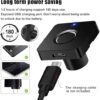
Batteries Required? ‎No


Product description

Features:
PC and ABS material, strong and durable to use.
Easy installation, safety in use and exquisite appearance.
Intelligent learning fingerprint unlocking, high sensitivity.
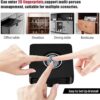
Multi-user fingerprint management, 20 management users.
No worry about forgetting password or losing key.
Add (administrator) fingerprint for the first time:
(Note: The first three fingerprints are administrator fingerprints. If no fingerprints are entered, anyone can unlock the lock.)
1.Press and hold for 5 seconds untilthe blue light flashes, then remove.
2. The blue light is always on, start fingerprint entry.
3. The same finger was collected more than 5 times, and the fingerprint was collected successfully.
4. The green light is on, the entry is successful; the red light is on, the entry fails.
Add ordinary users fingerprints:
1..Press the fingerprint lock panel and hold for 5 seconds until the blue light flashes,then remove.
2.Start the fingerprint verification of first administrator.
3.After the administrator’s fingerprint is typed in, the blue light flashes and the type-in status of new fingerprint starts.
4.The same finger was collected more than 5 times, and the fingerprint was collected successfully.
5.The green light is on, the entry is successful; the red light is on, the entry fails.
Delete Fingerprint:
1.Press the fingerprint lock panel and hold for 10 seconds until the red light flashes (flashing blue light first during the period) , loosen fingers;
2.Enter the administrator’s fingerprint verification.
3. After the green light is on for 1 second, the fingerprint is deleted successfully.
Cautions: Deletion of the fingerprint means that all fingerprints can be deleted, instead of deleting certain fingerprint record separately.
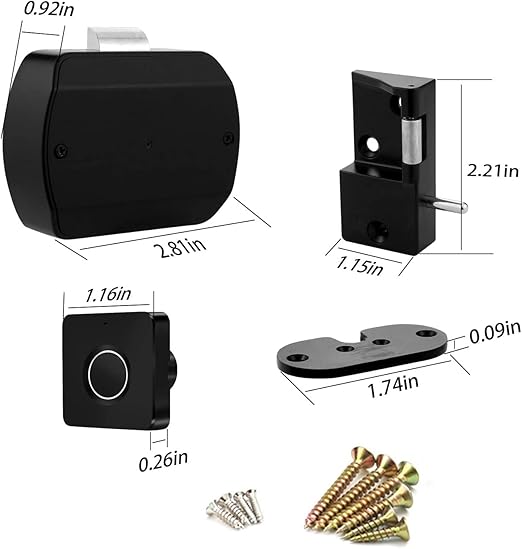
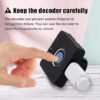
Packing List:Fingerprint Panel / Lock Body / Lock Catch / Decoder / Screw Accessory Package

Shopping cart

0
image/svg+xml

No products in the cart.

Continue Shopping