




Description
About this item
- Brand: Eazyliv
- Manufacturer: Eazyliv
- Brand: Eazyliv
- Manufacturer: Eazyliv
| Manufacturer | Eazyliv |
|---|
Product description
Specifications
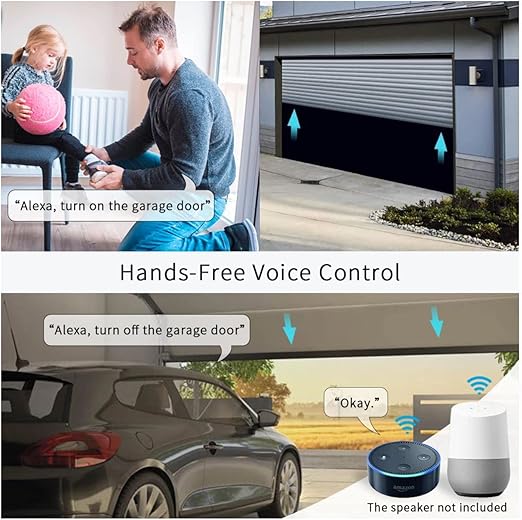
Use: for Amazon alexa, Google Assistant
Interface Type: USB Interface
Input: DC 5V 1A
Action: about 3-15mm/0.12-0.59in
Cable length: about 5m/16.4ft
Material: ABS + PC
Package Includes:
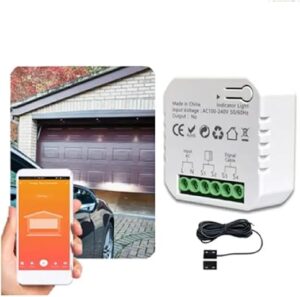
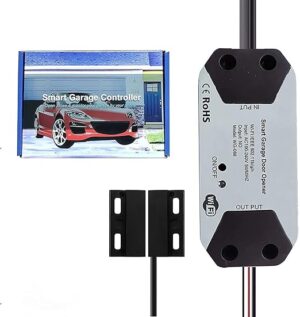
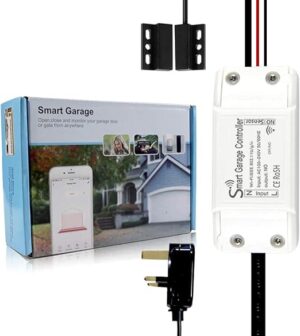
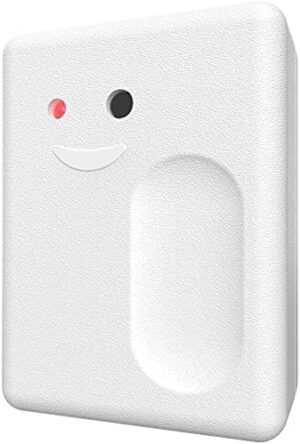
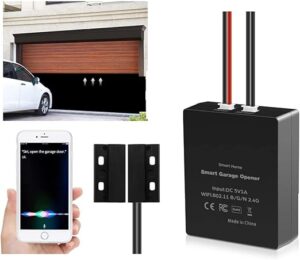
1 x WiFi Smart Switch Garage Door Opener
1 x Instructions
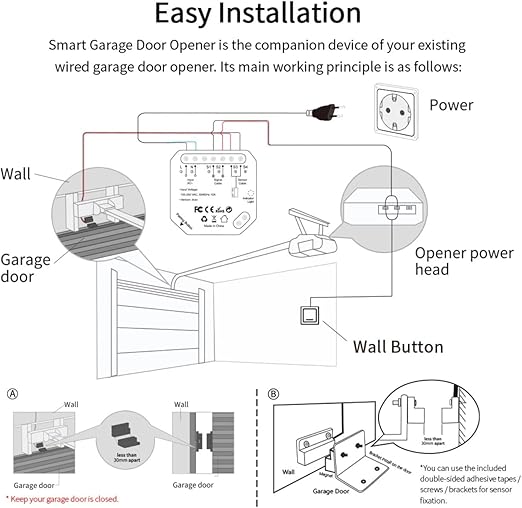
Easy to Install:
1. Power is supplied using the orchestration device.
2. Connect the red and black wires to the garage door opener: Connect each terminal to the same terminal that is terminated with the wall button wire.
3. Connect the sensor and install it on the garage door with screws/stickers/brackets.
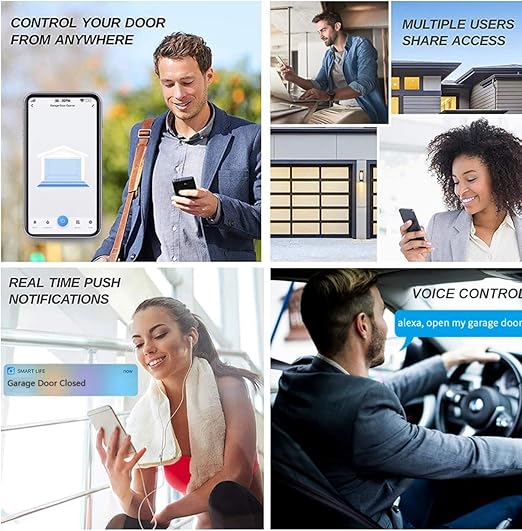
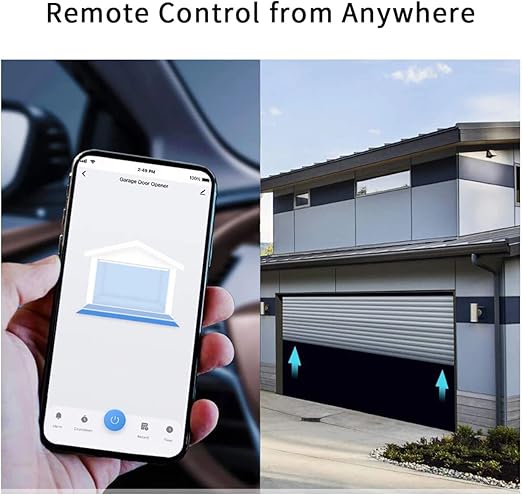
4. Control the devices on your smartphone.
EASY ADD DEVICE
1.The garage door will be activated when added successfully (when the blue LED light stop blinking), so keep your door closed first.Power up the garage, and the ren light and blue light flash alternatively. 2. Launch “Smart Life” or “Tuay Smart” APP. Tap the icon ‘+’ on the top right corner. 3. Select the “All Devices”, then select the “Wi-Fi Connector” type. 4. Tap “Confirm indicator rapidly blink” 5. Input the correct 2.4G Wi-Fi passwords. Then, tap confirm. 6.It will auto-connect with the device. Once the process is completed,it will prompt you that you can rename the device. Enter a new name and press’Save’
. [**Please note “Eazyliv Brand you can choose for best quality”. We are local seller, so you can freely ask any question about the product or order any accessories for upgrade. Thanks for choosing us.**]