• Smart Curtain System
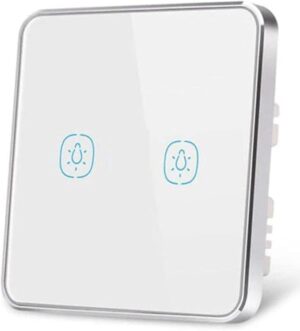
• Smart Switch
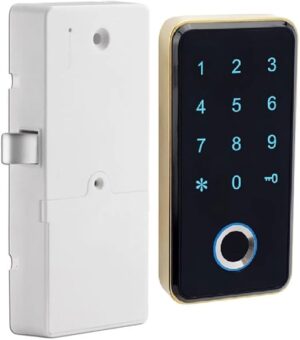
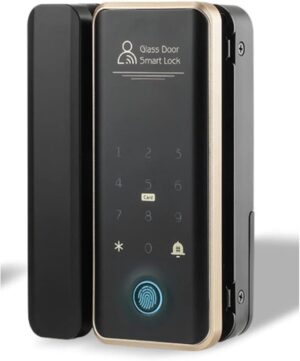
• Smart Door Lock
• Smart Wall Socket
• Smart Screen Centralized Control Panel
• Smart Sensor
• CCTV / Networking
• Smart Doorbell / Intercom
• Smart AC Thermostat
Need help? Call us: (+971) 50-9402300
Previous
Previous Product Image

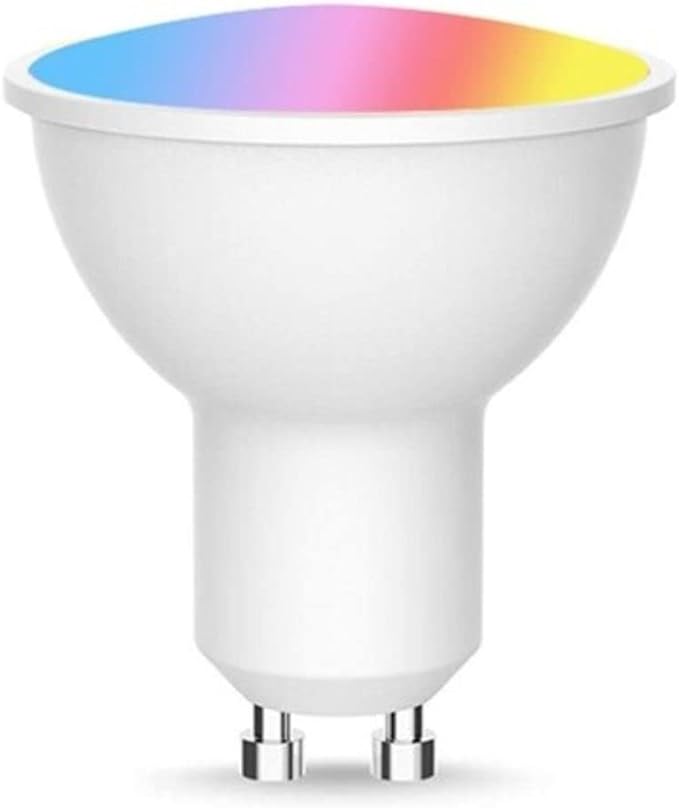
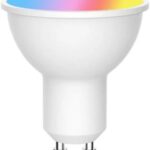
Eazyliv Smart Solutions Tuya Zigbee GU10 LED 5W Light Bulbs RGBCW 100-240V Dimmable Lamp Voice Control Alexa Google Home For Tuya APP

د.إ55,00
Next

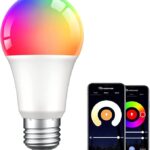
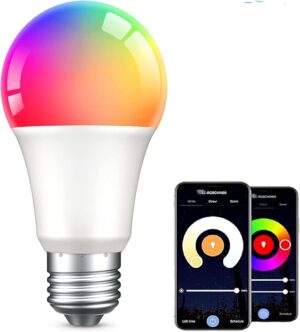
Eazyliv Smart Solutions Tuya/Smarlife WiFi Bulb E27 RGBW LED Bulb,APP Voice Remote Control Compatible with Amazon Alexa and Google Assistant, 9 Watts, Dimmable, No Hub Required

د.إ40,00
Next Product Image

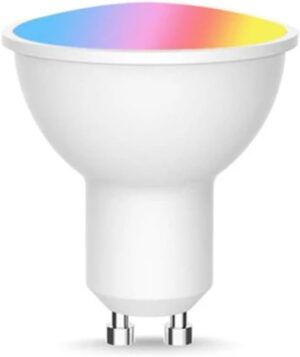
Eazyliv Smart Solutions Tuya WiFi GU10 LED Lighting RGBW Bulb Tuya Spot Lighting lamp 5W, Color Changing, App Remote Control Works with Amazon Alexa Google Home

د.إ45,00

Brand Eazyliv Smart Solutions
Light type LED
Special features Dimmable, Color Changing
Wattage 5 watts
Bulb base GU10
Add to Wishlist
Add to Wishlist
Category:

Description

About this item

  • Brand: Eazyliv
  • Controller type: iOS
  • Light type: LED
  • Light color: RGBW
  • Color temperature: 6500 kelvin
  • Special feature: Color Changing
  • Bulb Base: gu10
  • Control method: application


Manufacturer ‎Eazyliv
ASIN ‎B0B53Y3RX3


Product description

Product description
Base:Eazyliv Smart Spotlight GU10
Wireless type: Wi-Fi 2.4GHz
Rated power: 5W
Voltage: AC220-240V 50/60Hz
Color : RGBW+2700-6500K
Dimmable:Yes
System Supported:IOS/Android
Luminous Flux:400lm
Beam angle:120°

Group Control
Group Control to control multiple bulbs at the same time via Smart Life APP. 1. Open the Smart life app.
2. Click on the “Home” page.
3. Choose one of the bulbs you want to control.
4. Click the symbol at the top right corner
5. Click “Create Group”.
6. Choose all the bulbs you want to control.
Connect with Smart Life app: Step1: Search for the “Smart Life” on the App Store or Google Play. You can also scan the QR code in our User Manual provided.
Step2: Install the bulb, turn it on and off for 3 times rapidly and confirm light bulb is now rapidly flashing(2 times per second).
Step3: Open app and click “+” to add device, then select “Auto Scan”, the app will automatically discover the installed light bulb.
Step5: Enter the Wi-Fi password, once connected, you can control the smart bulb through Smart Life App. Make sure your smart phone is connecting with your home Wi-Fi 2.4GHz.(NO HUB REUIRED)

Shopping cart

0
image/svg+xml

No products in the cart.

Continue Shopping